Halloween Games for Kids: Preview Before Sharing
A family preview process using specific browser activities, without age or ad-free certification.
Choose an activity together
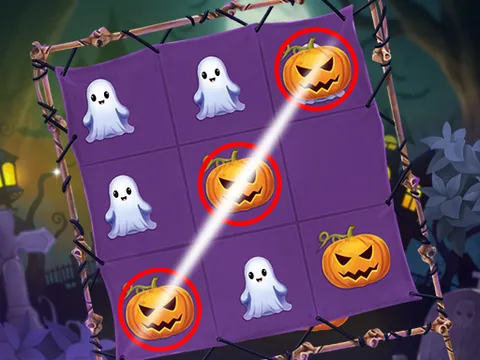
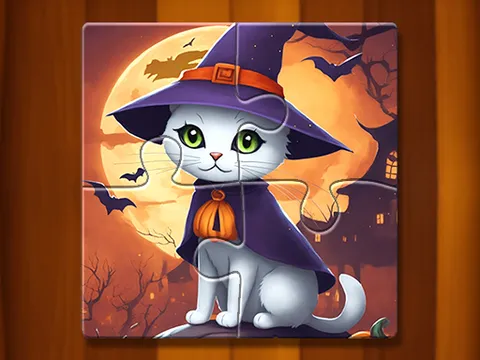
This is a family-use browsing page, not an age rating. ABC Halloween is described by its distributor as an alphabet activity; that does not prove an educational result or that the delivered frame is ad-free. A jigsaw uses picture placement, while Tic Tac Toe uses alternating board choices. Preview the actual activity and explain the controls before handing over the device.
Check the delivered frame
- Choose Load game yourself. Inspect its opening screen, sound, advertising and any outside links.
- Try a representative move. Check reading requirements, timers, theme and whether the controls work on the intended device.
- Decide whether to share this particular session. Stop game unloads the frame if you want to leave; it does not promise to erase provider data or preserve progress.
Some other catalogue entries have horror, combat or darker character themes. They are not automatically appropriate because they share a Halloween tag. The links here are starting points for a preview, not a safety-approved list.
Use the right page for the situation
For group turns see the classroom session guide. For a blank or slow play area, use the loading guide. Provider availability and presentation can change.